
1、安装Codex
- 命令行使用:
1 | npm install -g @openai/codex |
- 使用图形化界面:Codex.dmg
- VSCode中插件使用:
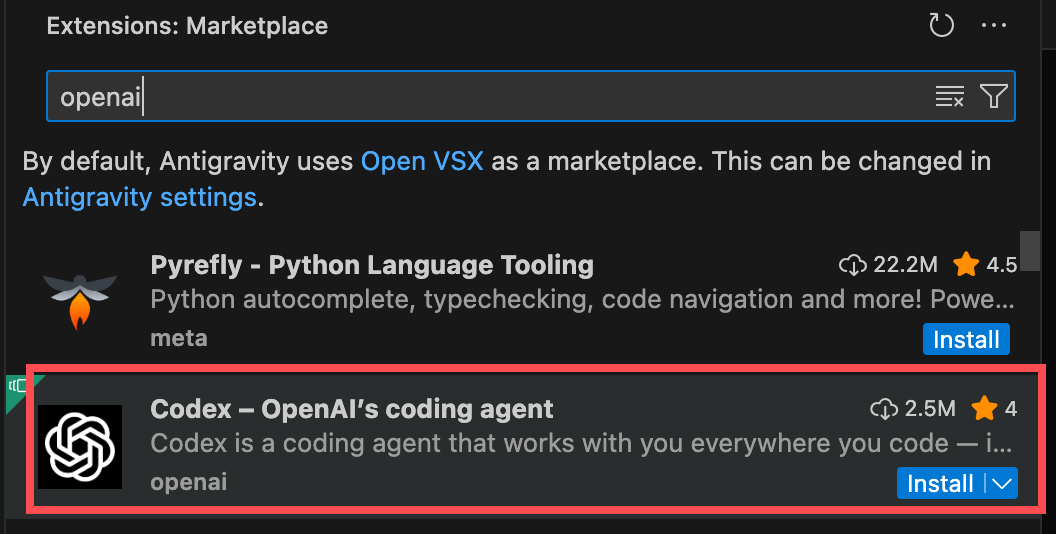
2、配置文件
编辑文件 ~/.codex/config.toml
1 | model_provider = "mycpa" |
编辑文件 ~/.codex/auth.json
1 | { |
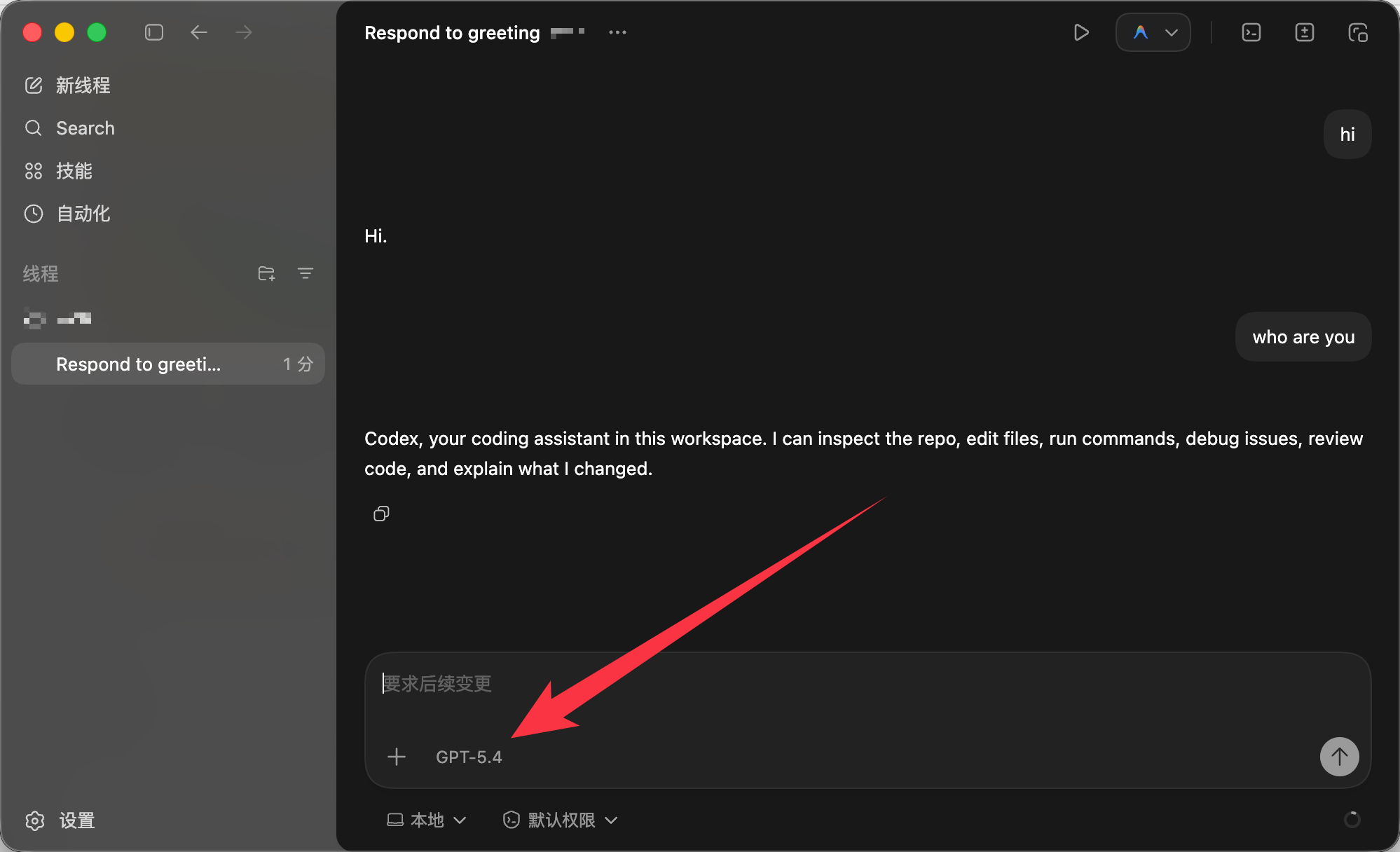
使用:
1 | npm install -g @openai/codex |
编辑文件 ~/.codex/config.toml
1 | model_provider = "mycpa" |
编辑文件 ~/.codex/auth.json
1 | { |
使用:
缺失模块。
1、请确保node版本大于6.2
2、在博客根目录(注意不是yilia根目录)执行以下命令:
npm i hexo-generator-json-content --save
3、在根目录_config.yml里添加配置:
  jsonContent:
    meta: false
    pages: false
    posts:
      title: true
      date: true
      path: true
      text: false
      raw: false
      content: false
      slug: false
      updated: false
      comments: false
      link: false
      permalink: false
      excerpt: false
      categories: false
      tags: true